
How to Check Salik Balance
Dubai's advanced transportation infrastructure manages traffic with smart solutions. The Salik toll system is vital here. It streamlines city driving without unnecessary stops. Maintaining a good Salik balance helps you navigate Dubai's busy roads.
Quick navigation
- Understanding the Salik System in Dubai
- Easy Ways to Check Your Salik Balance
- Checking Your Salik Balance Online
- Using the Smart Salik or Dubai Drive App
- Checking Your Salik Balance via SMS
- Managing and Recharging Your Salik Account
With the toll system's advancement, understanding Salik account management is required. This goes from actions like recharging one’s account and importantly, how to check their balance. Learn everything about the Salik toll system with this guide. It covers ways to check your balance alongside account management information.
Understanding the Salik System in Dubai
Salik is Dubai's innovative toll collection system. While other toll systems require drivers to brake or stop, Salik does not. It runs on an advanced automated method that keeps traffic moving smoothly. To identify vehicles passing through Salik gates, the system employs advanced RFID technology. The user's prepaid account is automatically charged for tolls.
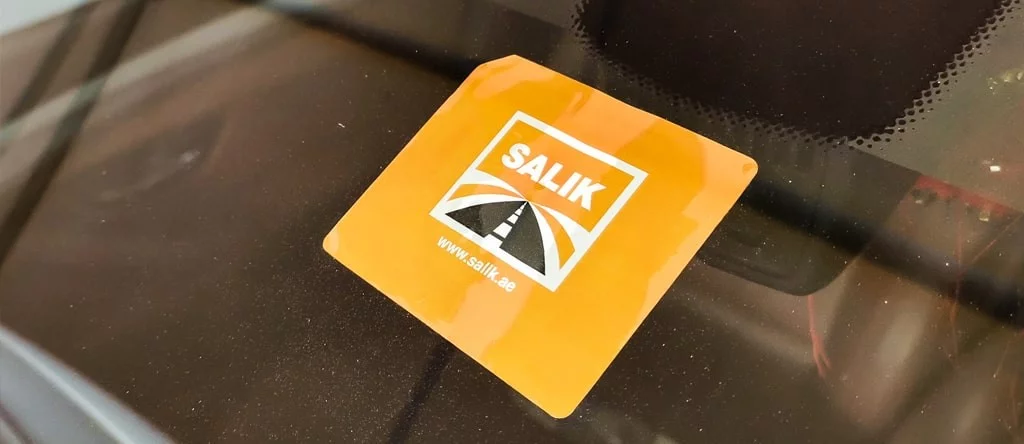
Each Salik tag has a battery-free electronic chip that can be attached to a windshield. With this tag, the Salik network can uniquely identify your vehicle. Without doing a thing, the system at Dubai's Salik gates will immediately identify your tag and process the toll charge.
Salik gates are placed along major routes like Al Garhoud Bridge and Al Barsha Gate. This helps to manage traffic distribution and reduce congestion in key areas of the city. A simple and consistent amount is charged for each passage through any Salik gate. So, users can easily plan and manage their transport expenses. The beauty of the Salik system lies in its simplicity and efficiency.
Easy Ways to Check Your Salik Balance
There are several ways to check your Salik balance depending on what works best for you. Below are the available methods for checking your Salik balance:
Checking Your Salik Balance Online
Salik's website makes checking balances easy. Simple steps to complete this online procedure are:
- First, go to the official Salik website.
- On the top left of the homepage, tap "Current Balance".
- Next, input details such as the car plate and mobile number.
- Lastly, tap the "Check Balance" option. Then, your Salik account balance will be displayed.
Using the Smart Salik or Dubai Drive App
Another seamless option to know your Salik balance is through the Smart Salik or Dubai Drive App. Follow the instructions below to use an app:
- First, install the app. You can get it from Play Store and App Store.
- Next, log into your account. You can use your PIN and account number.
- Next, tap "Check Balance". This allows you to view your account balance.
Checking Your Salik Balance via SMS
Rather than SMS, you can contact the Salik self-service. Do this by following these steps:
- Dial 800 72545 for Salik Balance Check.
- Select your language. For English, press 2; for Arabic, press 1.
- After that, press 3 and log in using your PIN and Salik account number. You will see the balance pop up right away. Pressing 1 will repeat the current account balance.
Managing and Recharging Your Salik Account
Managing your Salik account has been streamlined through comprehensive digital solutions. Account management is entirely digital, allowing users to handle all aspects of their accounts. You can primarily manage your account through the website or the Smart Salik app.
Account management features include essential services like buying and activating your Salik tag. You can also update your mobile number and plate number online. Each transaction involving a vehicle registered in your name is associated with a unique Traffic File Number. It is linked to a single Salik account so you manage all cars using that account. Vehicles registered in other Emirates can still be added to your Dubai account upon request.
Interestingly, account recharge is one of the account management features. The recharging process offers remarkable flexibility with multiple payment options. You can top up your account through multiple channels like:
- Credit Card: Smart Salik app, Careem App or Tamm, Salik Website.
- Banking options: Auto top-ups through participating banks.
- Cash: CDMs (DIB and EmiratesNBD), Kiosk machines.
- Recharge Card/E-voucher: Self-service contact center 800 SALIK (72545), RTA Dubai App, SMS.
There is a 50 AED minimum and a 50,000 AED maximum for recharge transactions. Notably, all top-up amounts must be in multiples of 50 AED. Streamlined account management and user-friendly charging options are the result of this approach.